
Add recipes and notes to your week
Add a recipe from its page, pick from your cookbook in the planner, or jot a note like “leftovers night”.
Updated November 12, 2026
From a recipe
- On the recipe, tap ⋯ at the top.
- Tap Add to Planner.
- Tap This Week or Next Week.
- On the recipe, choose Add to planner.
- Choose This week or Next week.
From the planner
Go to the week you're planning first. Recipes you add from here go into that week, however far ahead it is.
- In the Planner tab, tap +, then Add a Recipe.
- Pick from Cook Again, Folders, Favorites, Custom, By Tag or Collections, or tap the search icon to search all of Cook Well.
- Tap + next to each recipe you want, then tap Done.
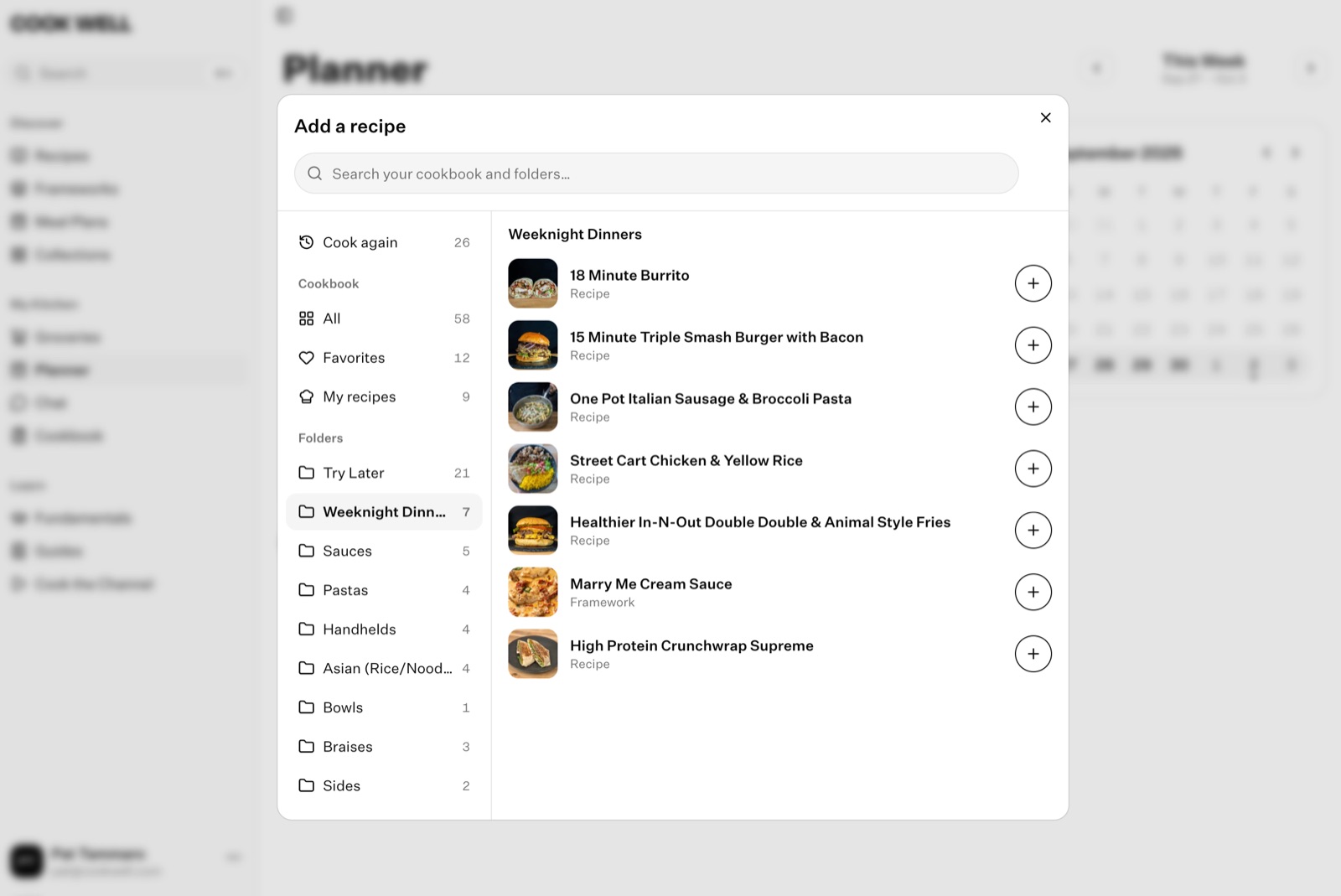
- In Planner, choose Add a recipe.
- Pick from Cook again, your cookbook or a folder on the left, or search your cookbook and folders.
- Choose + next to each recipe you want.
Cook Again shows recipes you've planned before, so your regulars are a tap away.
Add a note
Notes sit in your week next to your recipes: a leftovers night, eating out, “make extra rice for Tuesday”.
- Phone: tap +, then Add a Note. You can also tap Jot it while you're adding recipes.
- Web: choose Add a note.
Type your note and choose Add. Tap or click a note to change it.
Add a note to a recipe
To remember a change, like “swap the rice for quinoa”, open the ⋯ menu next to the recipe in your week and choose Add / edit note. The note shows under the recipe.
Want a whole week planned for you? Add one of Cook Well's meal plans. See Use a ready-made meal plan.
Something here out of date or unclear? Email support@cookwell.com.