
Find your way around
Five tabs on your phone, a sidebar on the web. Here's where everything lives.
Updated November 5, 2026
On your phone
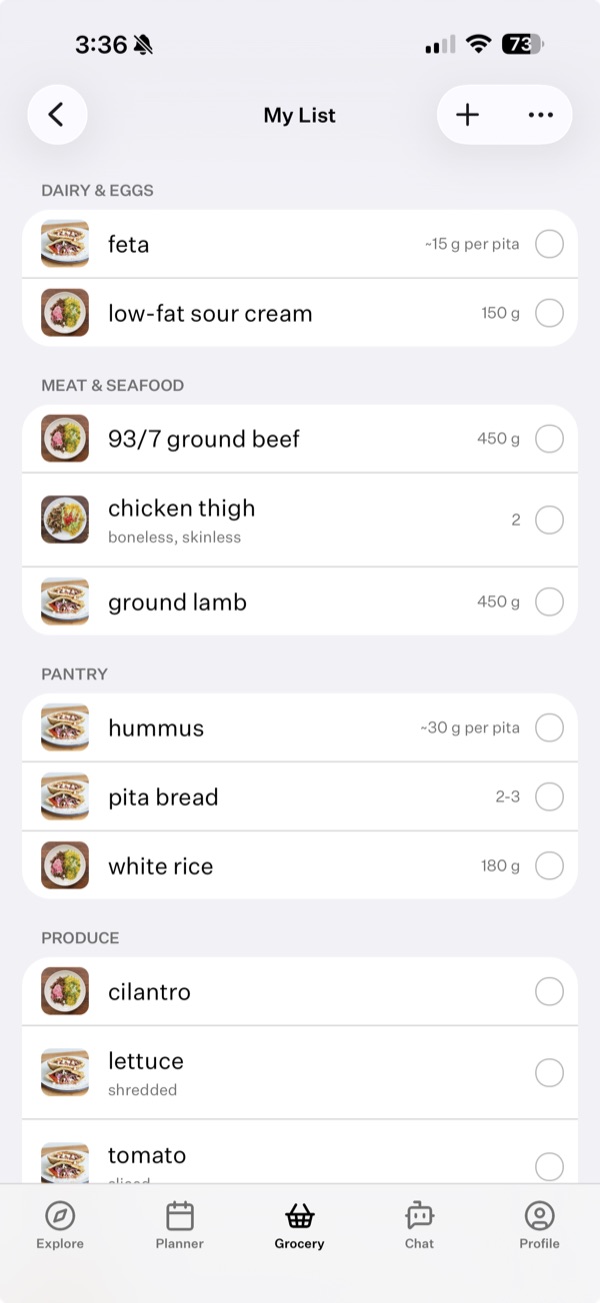
Five tabs run along the bottom:
- Explore: recipes, frameworks, collections, the fundamentals, meal plans and guides.
- Planner: this week's meals.
- Grocery: your lists and templates.
- Chat: Cook Well AI.
- Cookbook: your favorites, folders and your own recipes. Tap your initials at the top for your profile, and the gear there for Settings.
On the web
The sidebar has three groups:
- Discover: Recipes, Frameworks, Collections and Meal Plans.
- My Kitchen: Groceries, Planner, Chat and Cookbook.
- Learn: Fundamentals, Guides and Cook the Channel.
Your profile, Settings and Sign out are in the menu next to your name at the bottom. To search, use Search at the top or press ⌘K.
Something here out of date or unclear? Email support@cookwell.com.